
Aug 13
About icons for custom actions
The following is a description of the icon used for custom actions, and the display settings when using a unique one.The icons I use are png images with black text or black line drawings on a white background, but when I select either "ActionClip" or "Native Menu" for WIDGET in the ActionClip settings, the negatives and positives are reversed when the Mac is in dark mode, making them very difficult to see.So, is it possible to add a setting that preserves the colors of the original image?In other words, I would like to have an option to retain the original color of the PNG, instead of treating the custom action icon as a template.Thank you in advance for your consideration.
Completed
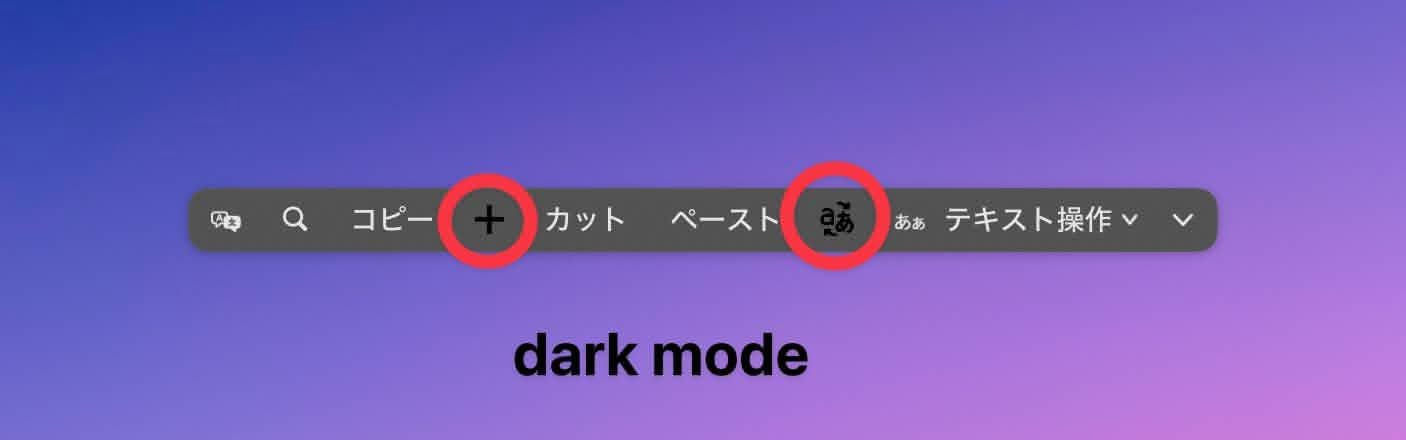
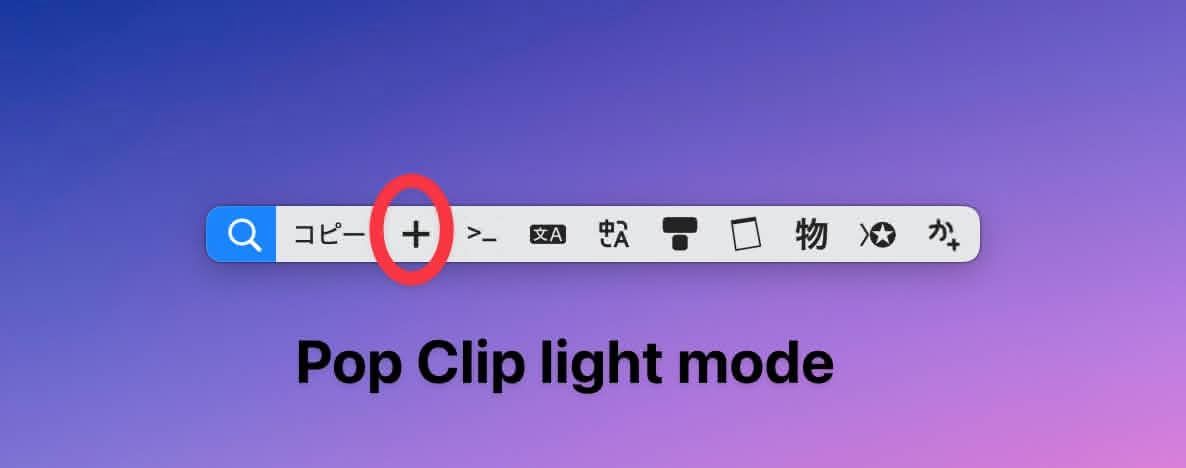
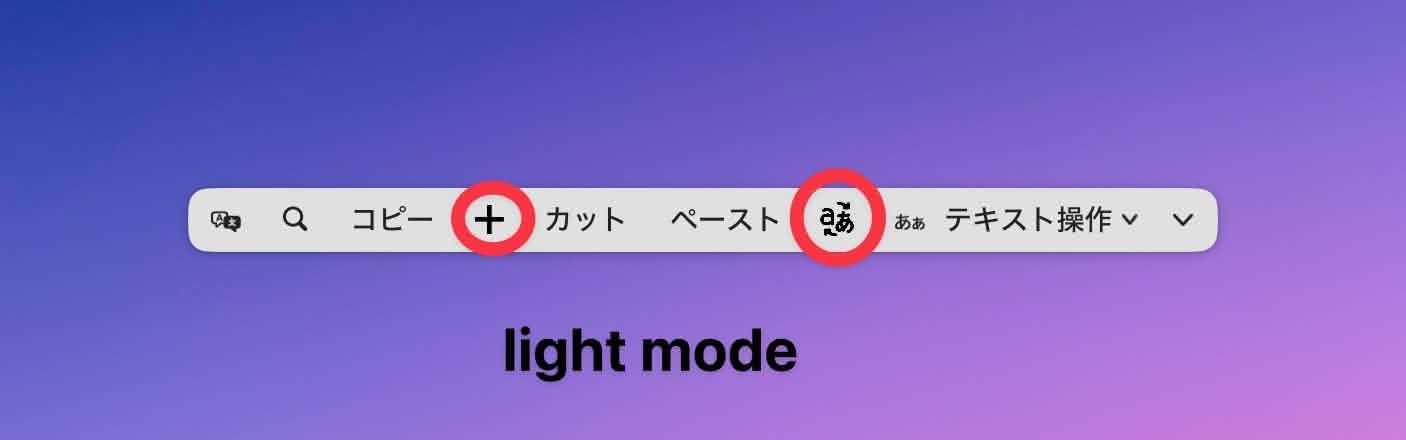
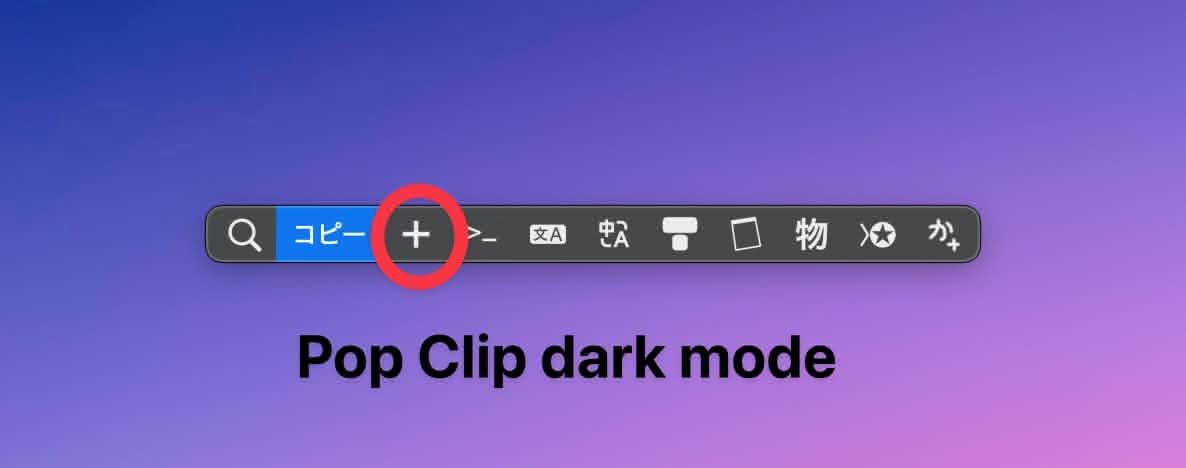
Hello. I updated and checked the status in userjot as it is set to complete. However, there was no improvement in the display. The version is 2.1.1. The appearance setting is Native Menu. The display is the same in ActionClip as before. It is also the same as before, but not in the iOS Edit Menu. However, the dark mode is not displayed in the iOS Edit Menu. I prefer the look of the Native Menu and would like to use it. I am using icons downloaded from the following sites. Some of the icons were picked up from other sources, but they all look the same. https://icon-sets.iconify.design PopClip, which uses the same icons, shows them inverted without any problems as previously reported. Is this a fix that has been completed but not yet adopted into the update?